Sparkle
The appcast in the app's SUFeedURL, with the EdDSA signature the app's own
key expects. Channels, minimum macOS and delta-only items handled.
App updates for managed Macs
Barkeep runs in the background, works out how each app updates, and installs the update while the app is closed, once it's been out long enough to trust. Nobody gets interrupted unless a deadline you set says they must.
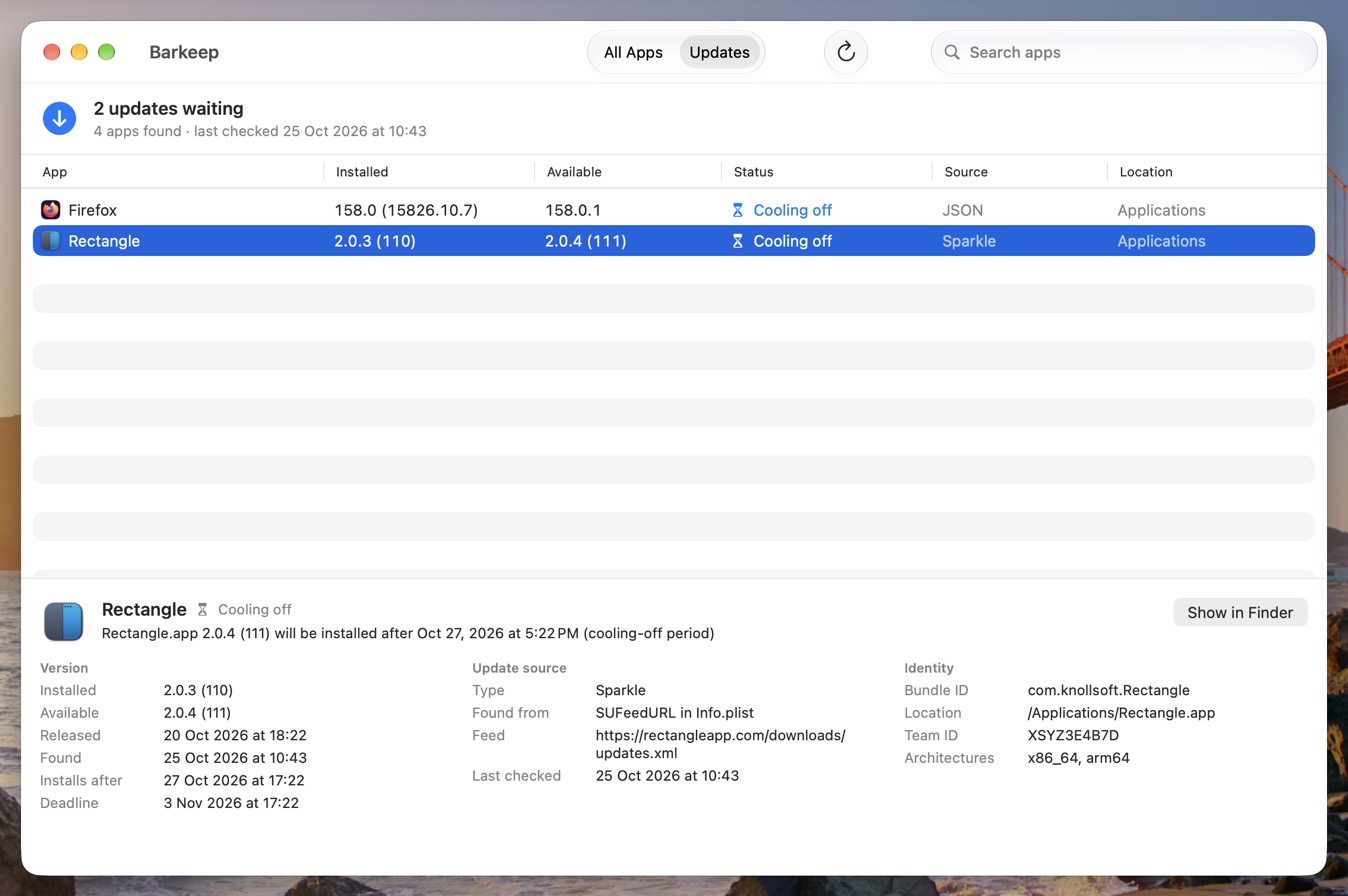
Sparkle, Electron, VS Code and a built-in catalog. No scripts per app.
Same signing team, same app, newer version, notarised. Or nothing.
Cooling-off first, then a quiet swap. Deadlines only when you set them.
Sources
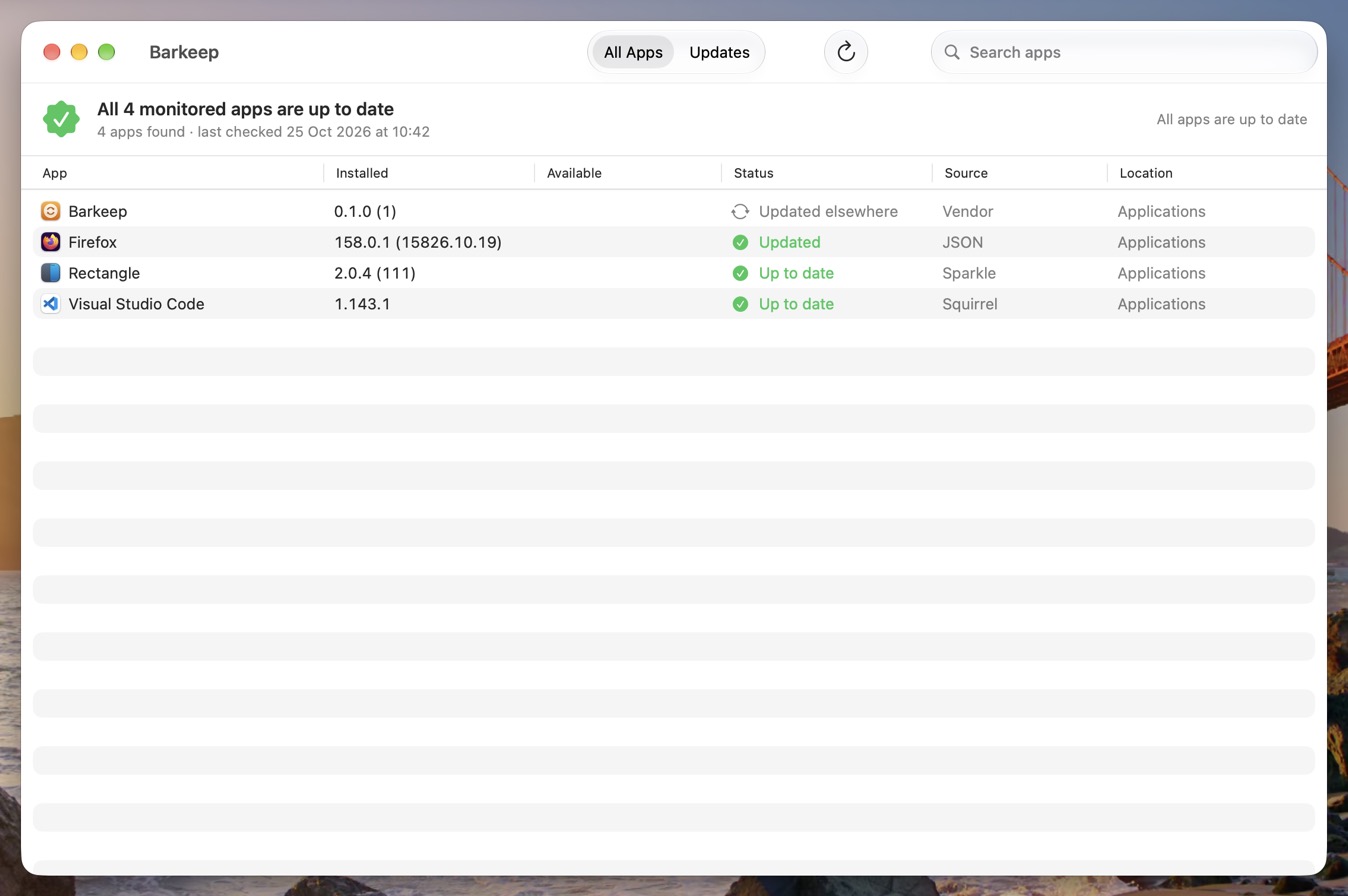
Most apps already publish their updates somewhere. Barkeep reads the same feed they do.
The appcast in the app's SUFeedURL, with the EdDSA signature the app's own
key expects. Channels, minimum macOS and delta-only items handled.
electron-builder's latest-mac.yml (GitHub, generic or S3) with its SHA-512, and
the Squirrel-style API in VS Code's product.json with its SHA-256.
Chrome, Firefox, Zoom, Slack, Discord, Docker, ChatGPT, Claude, Tailscale, Obsidian, UTM and more are built in. Add anything else in the profile: a GitHub repository, an appcast, or any URL that says what's newest.
App Store apps and apps with their own enterprise updater (Microsoft AutoUpdate, Adobe) are reported, not fought over. Apple's own apps are left to Software Update.
$ barkeep inspect "/Applications/Visual Studio Code.app"
Update source:  Squirrel (catalog) https://update.code.visualstudio.com
Newest:         1.143.1, released 21 Oct 2026 at 10:15
Checksums:      SHA-256
Update?:        yes
Security
A feed can be hijacked. A signature from the same developer can't be faked.
Signed by the Apple-verified Team ID of the copy it replaces, and satisfying that copy's designated requirement: the rule macOS uses to decide two builds are the same app.
Same bundle ID, a higher version, built for this Mac's macOS and Apple silicon. No downgrades, however the feed is dressed up.
HTTPS only, size-limited, and matched against any checksum or Sparkle EdDSA signature in the feed. Gatekeeper has to agree it's notarised.
Every check runs on a root-owned staged copy beside the app, which is then swapped in atomically. What's verified is exactly what gets installed.
Updates shipped as .pkg must be signed by the app's own team and notarised,
and the app they leave behind is checked again afterwards.
Settings come from a managed profile users can't change. Root-owned files only.
Timing
The best time to update an app is when nobody is using it.
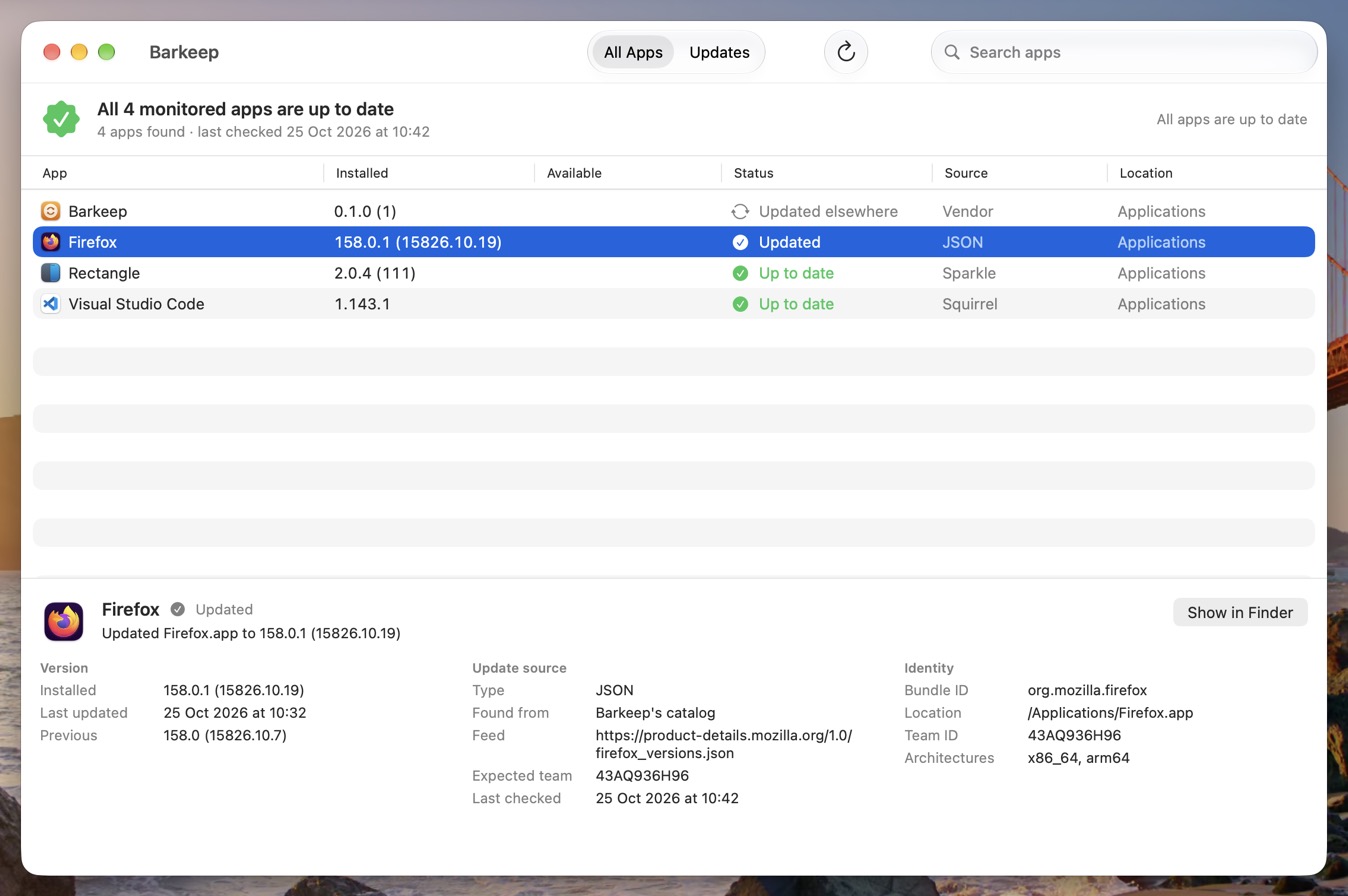
An update waits until it has been out for a week (you choose), so the vendor's bad release is somebody else's Tuesday.
The moment the app isn't running, it's swapped for the new version. Open it mid-swap and it reopens a moment later. The hold expires on its own, so a failed update never locks anyone out.
Still open two weeks after release? A notification, an hour's grace, then the app is asked to quit, exactly as if they'd chosen Quit, so it can ask to save. It reopens when it's done.
com.docker.docker, rush Chrome,
never force Slack: every timing setting can be set per bundle ID./Applications, every user's
~/Applications, one folder down, or the folders you choose.The app
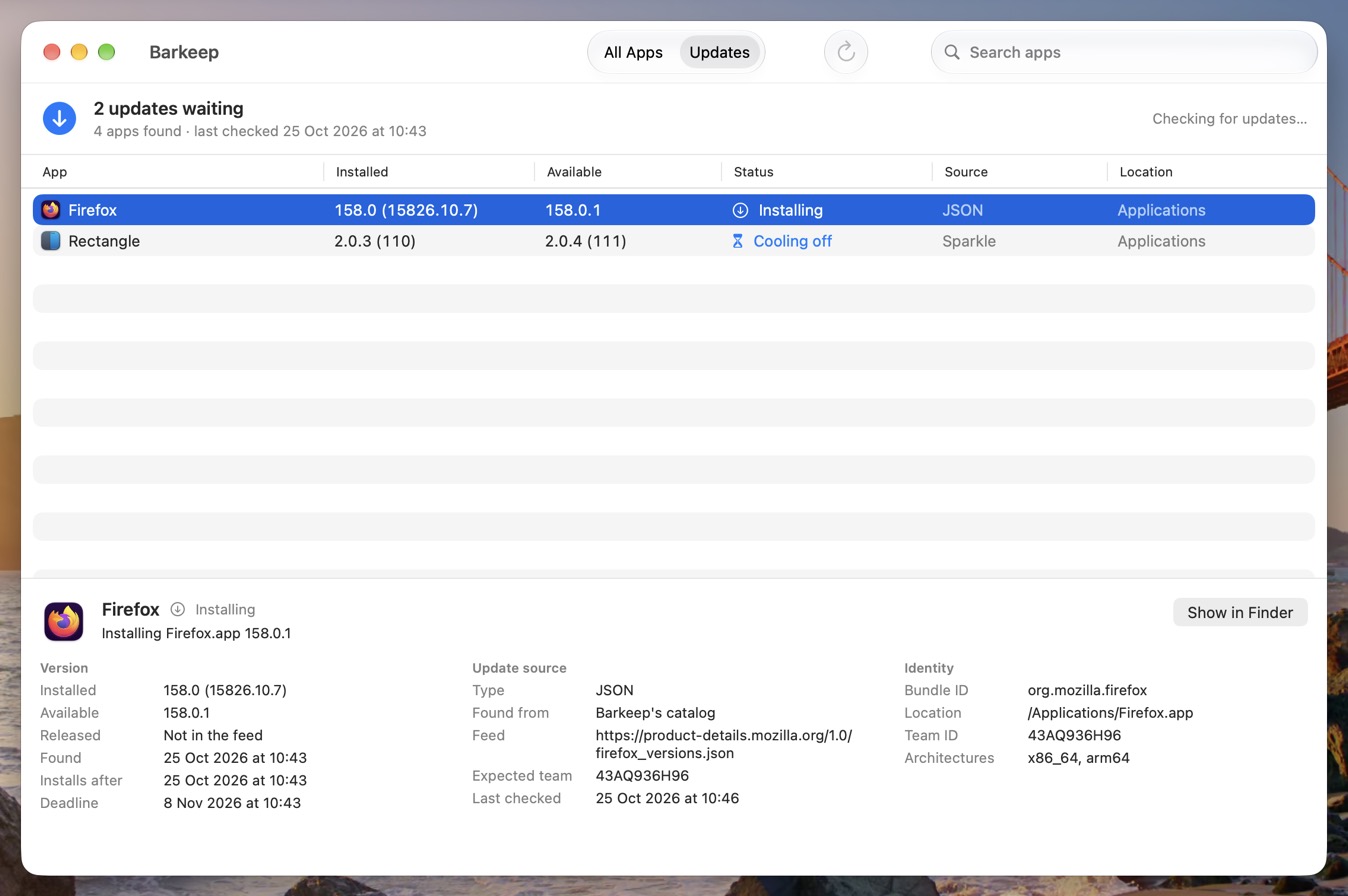
Barkeep.app sits in the menu bar and says what's waiting, and when.
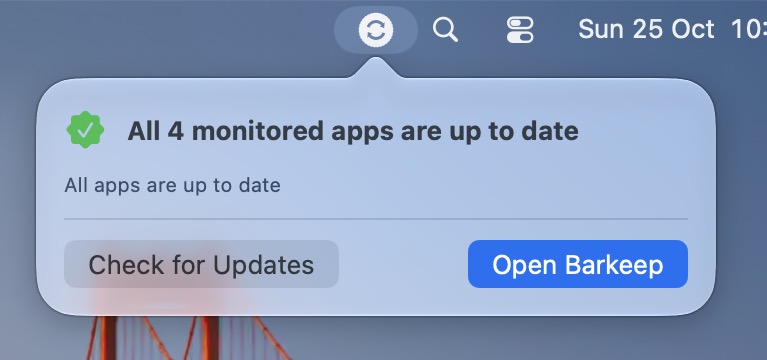
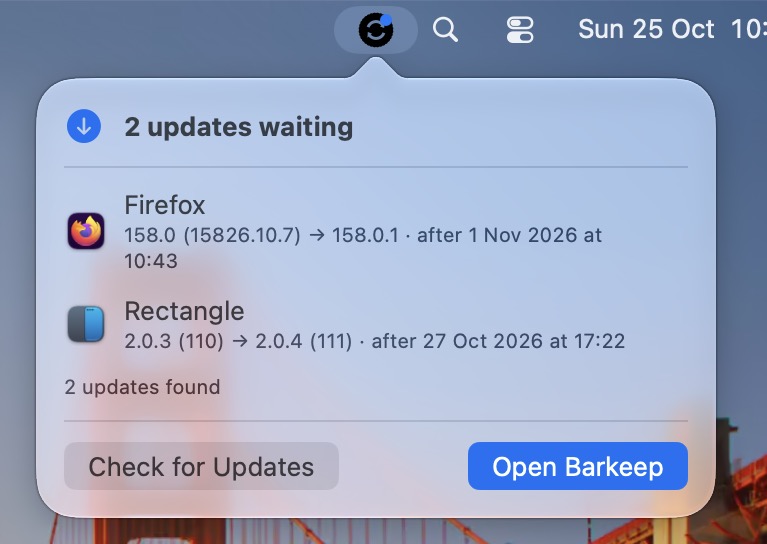
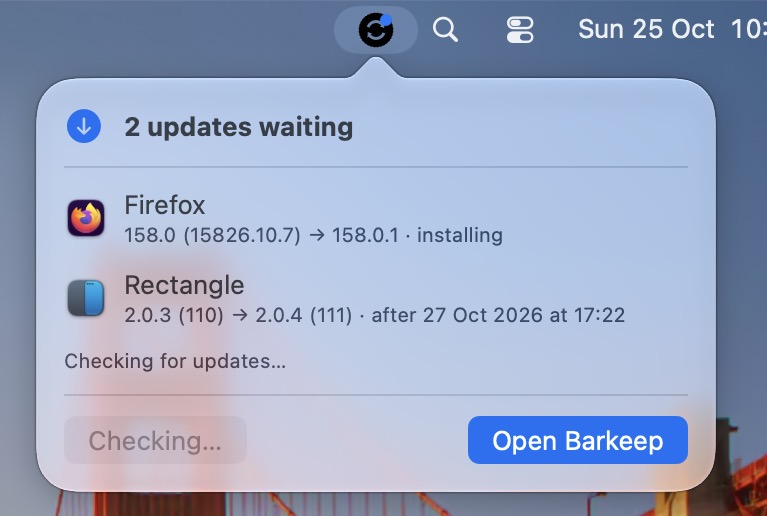
ShowInMenuBar, or stop users starting
updates with AllowUserInitiatedUpdates.Deploy
One package, two profiles, no scripts per app.
It installs /usr/local/bin/barkeep, the daemon that does the work, and
Barkeep.app for the menu bar. Don't want the app? barkeep-cli.pkg leaves it out.
The settings profile spells out every default, so it's safe unchanged, with examples for locked-down, fast-patching and never-interrupt setups. The App Management profile lets barkeep replace other developers' apps and pre-approves its notifications.
barkeep status, the log at /Library/Logs/barkeep.log, or
Barkeep.app's window.
$ barkeep status
Firefox.app 150.0 → 158.0.1 [waitingForQuit] Firefox 158.0.1 will be installed when it quits, or by 31 Oct 2026 at 09:12
Slack.app 4.52.182 [upToDate] Slack.app 4.52.182 is up to date
Zoom.app 7.1.0 (60000) → 7.2.2.88465 [coolingOff] will be installed after 25 Oct 2026 at 14:00--json everywhere, for scripts and
reporting.sudo barkeep uninstall.Barkeep updates apps that can be updated by replacing the app, or by the vendor's signed package. It doesn't sign in to the App Store for anyone, and can't update an app whose feed it can't find (tell it in the profile). At a deadline it asks apps to quit; only if you say so does it insist. The README covers the trade-offs in full.
Free and open source under the Apache License 2.0.